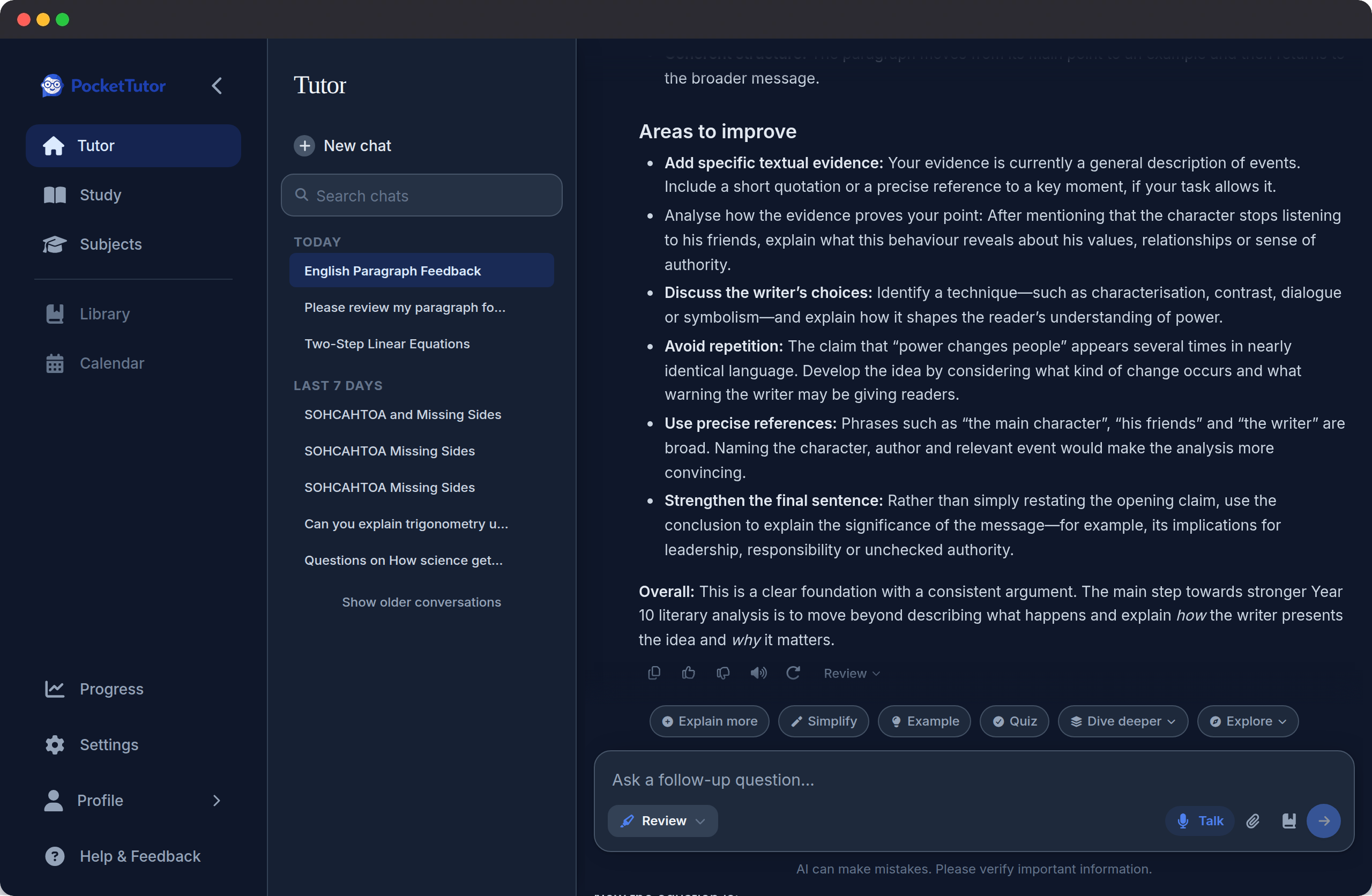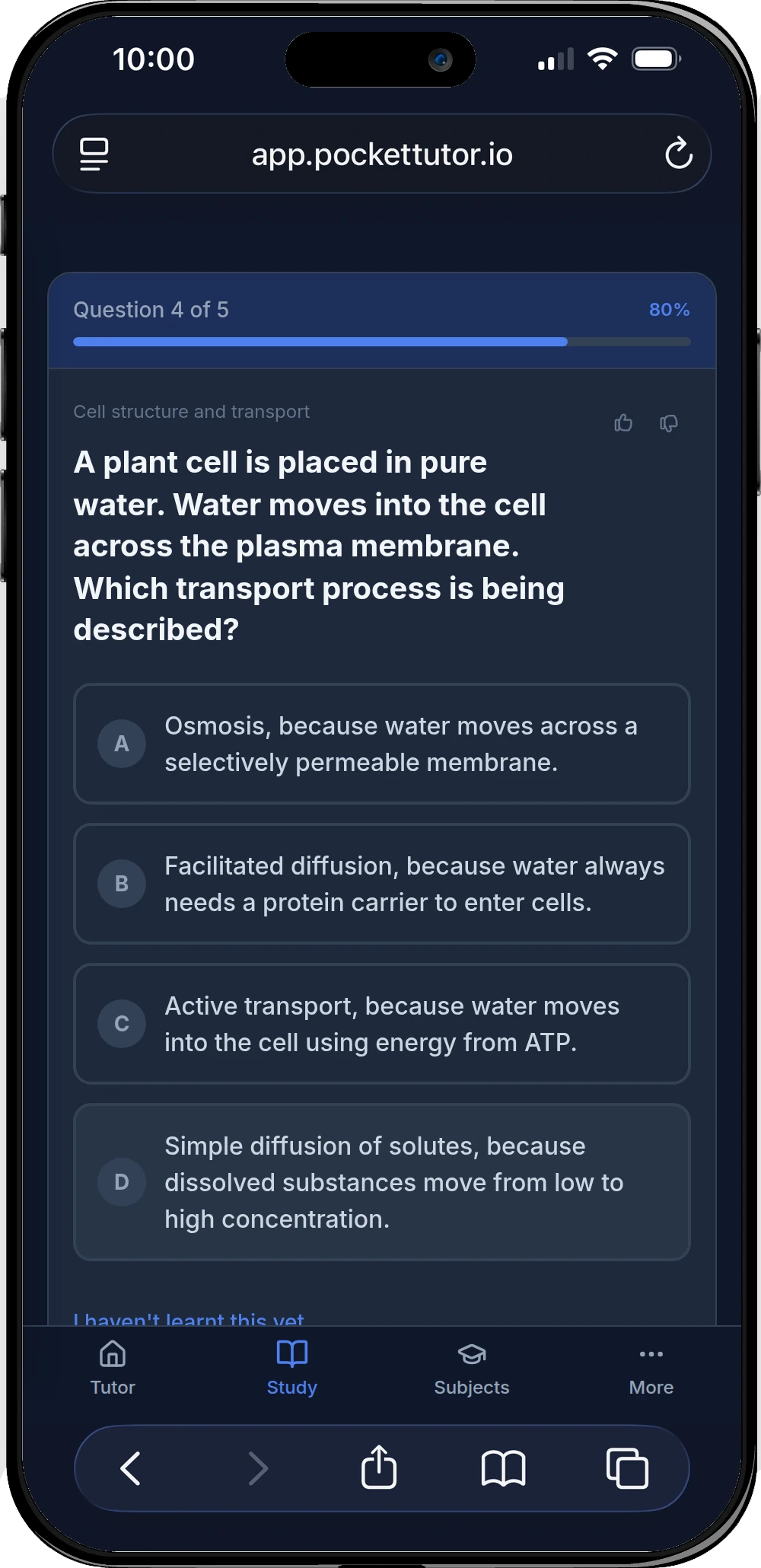
Check what you know.
Start with a topic, or upload your notes to make a quiz. Use the feedback to decide what needs more practice.
In Quiz, enter your topic.
Uploading notes needs a free account.
Try a topic quiz
Turn your notes into a quiz, recall key ideas with topic flashcards, or work through a tricky question. Focus your revision on the parts you need to practise.
Free plan. No credit card required.
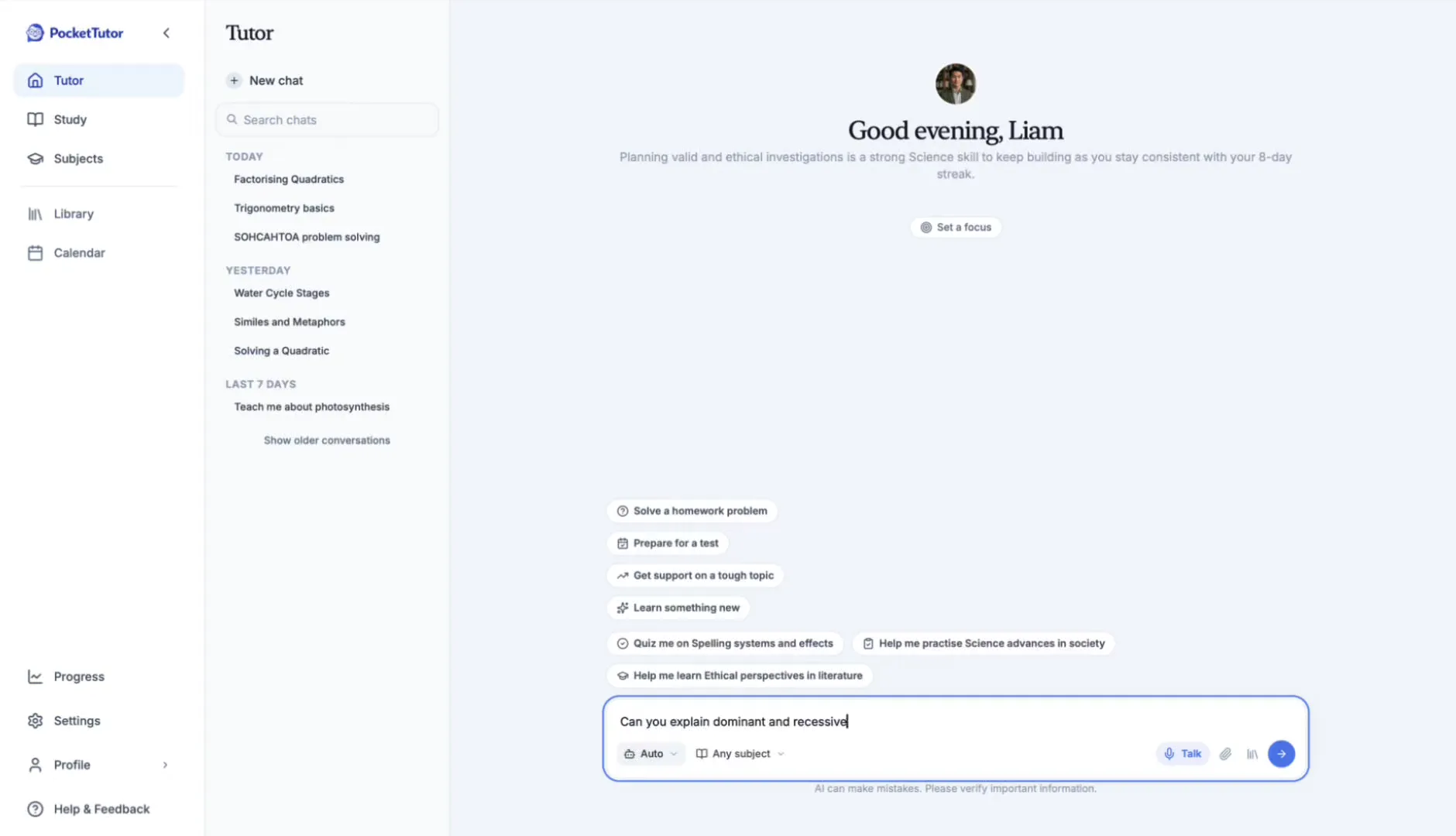

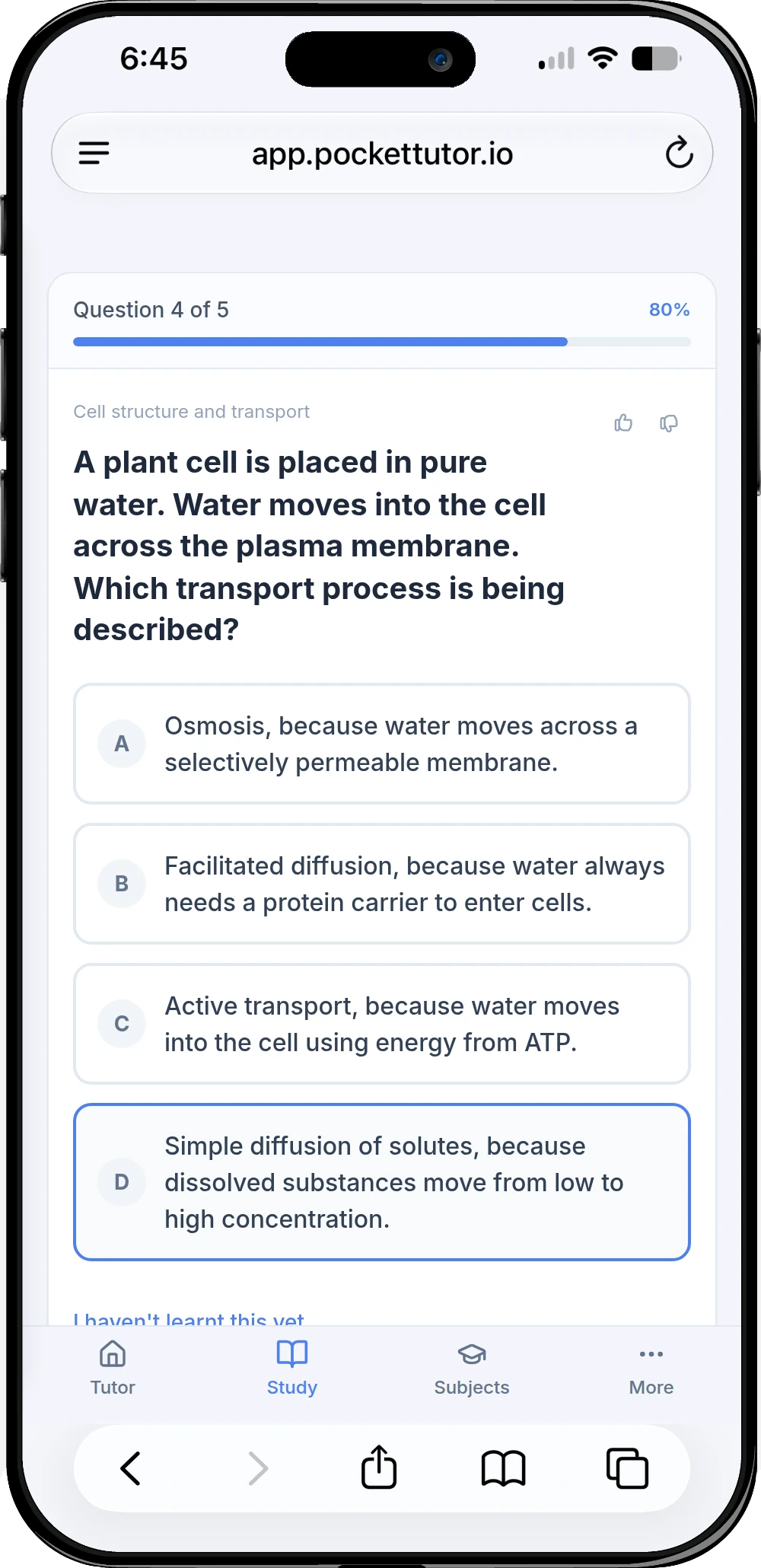
Preparing for a school exam? Choose a topic from maths, English, science or another subject you study.
Start with a topic, or upload your notes to make a quiz. Use the feedback to decide what needs more practice.
In Quiz, enter your topic.
Uploading notes needs a free account.
Try a topic quizMake flashcards on the topic you're revising. Try recalling each answer before you reveal it, then return to the ideas you found harder.
In Flashcards, enter your topic.
A free account lets you save your set.
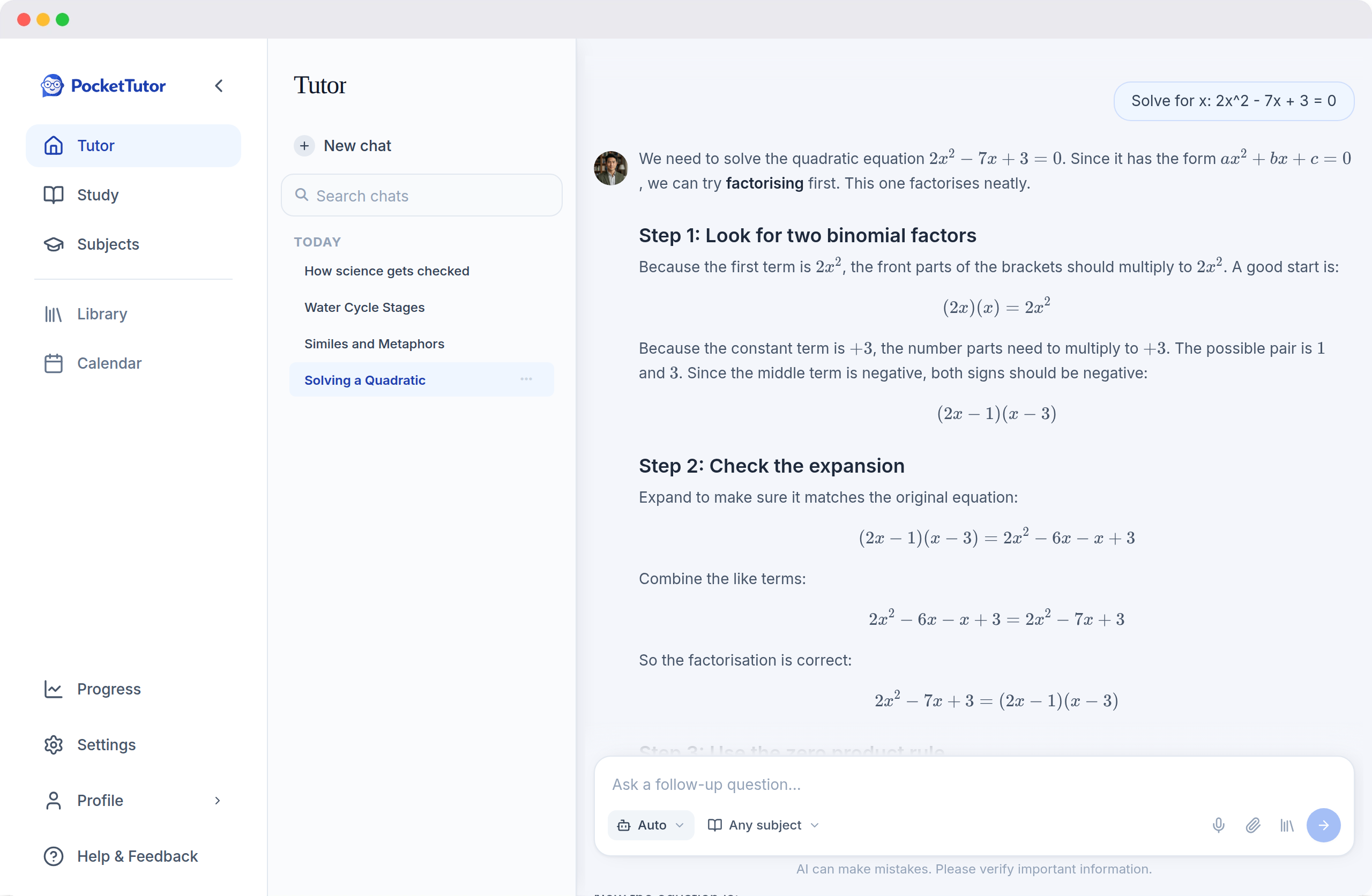
Try topic flashcardsType a question you're stuck on and work through the AI explanation step by step. Practise the method again on your own.
In Solve, type your question.
Choose Ask for help with a broader idea.
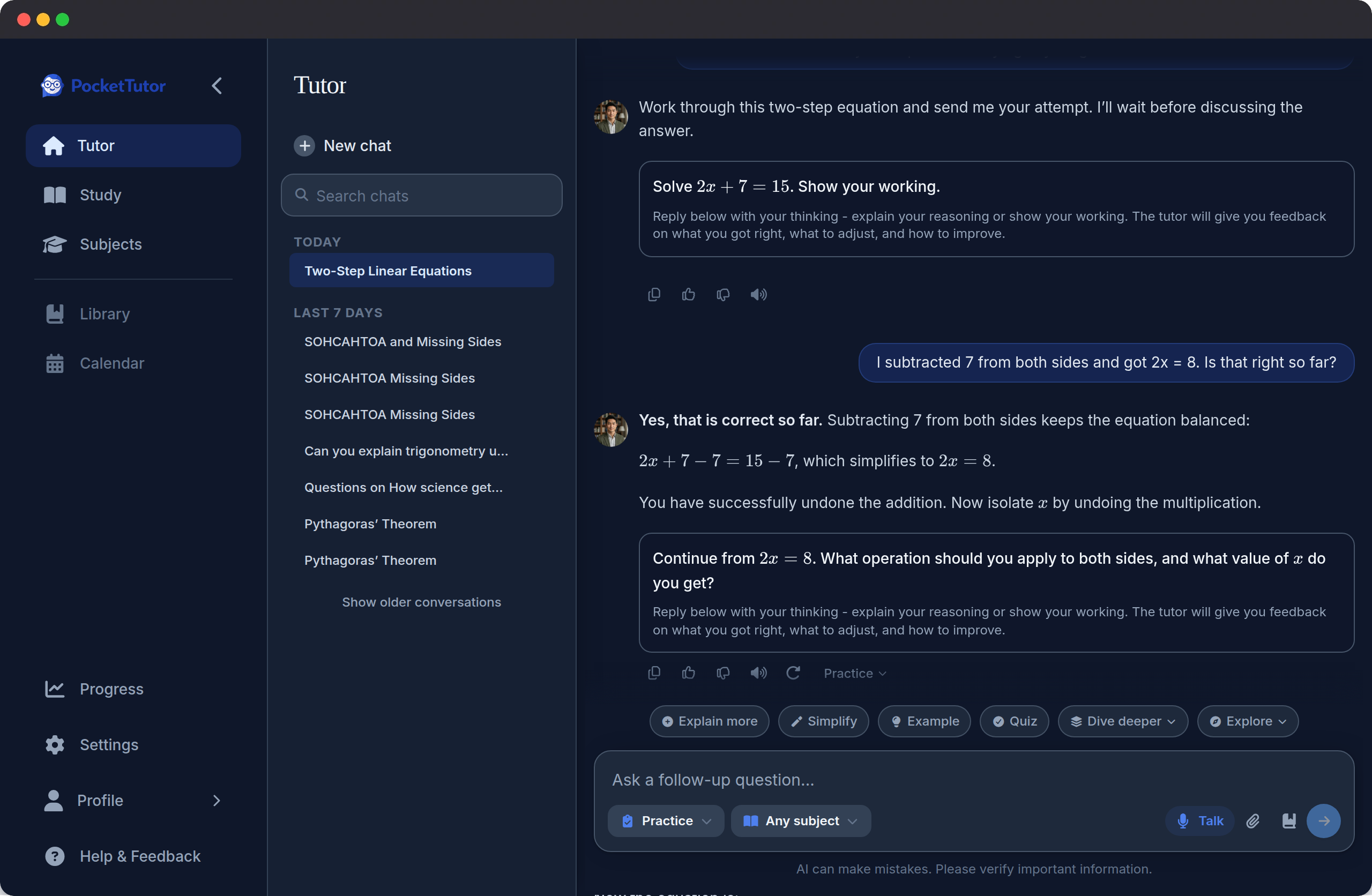
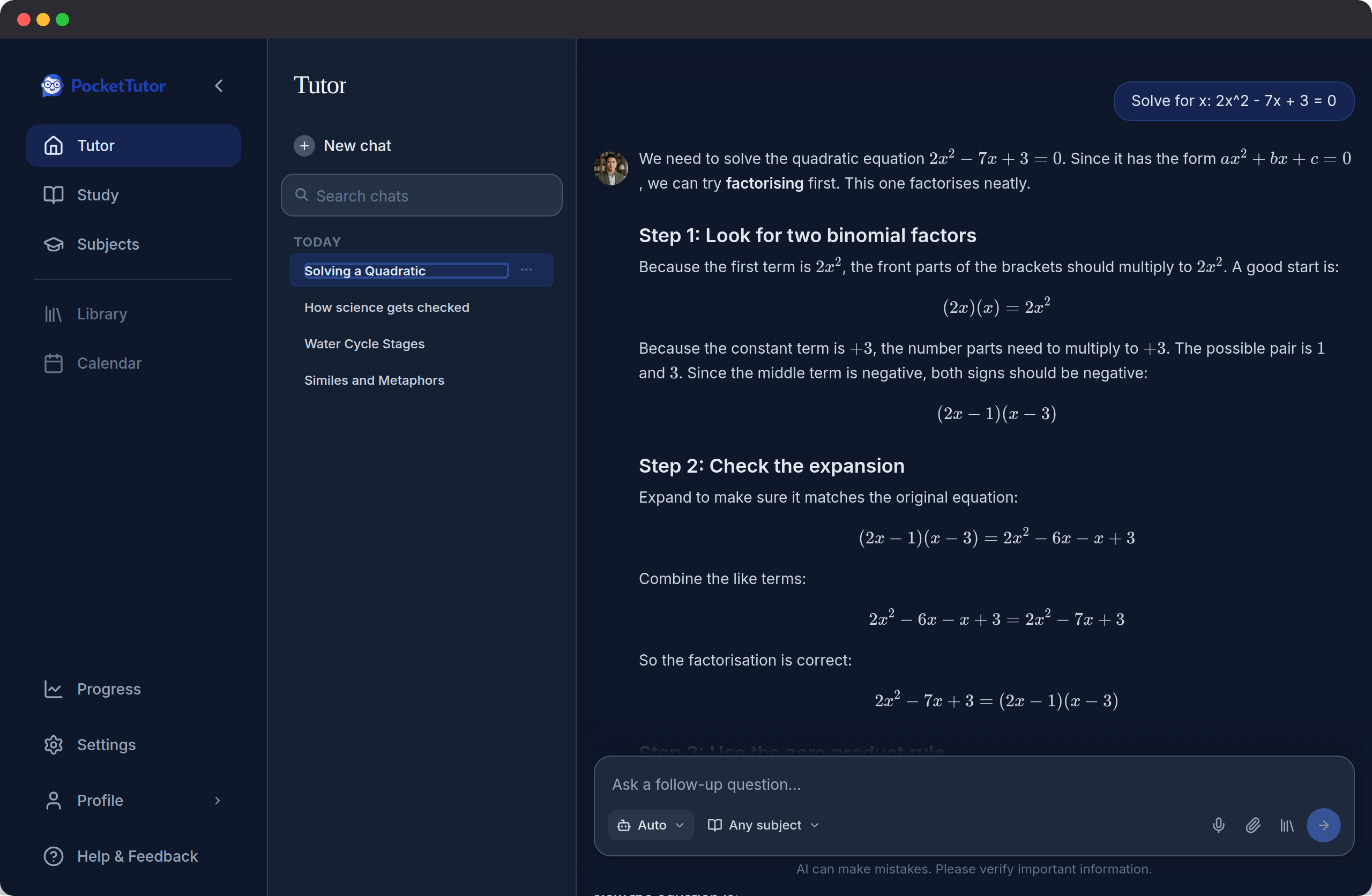
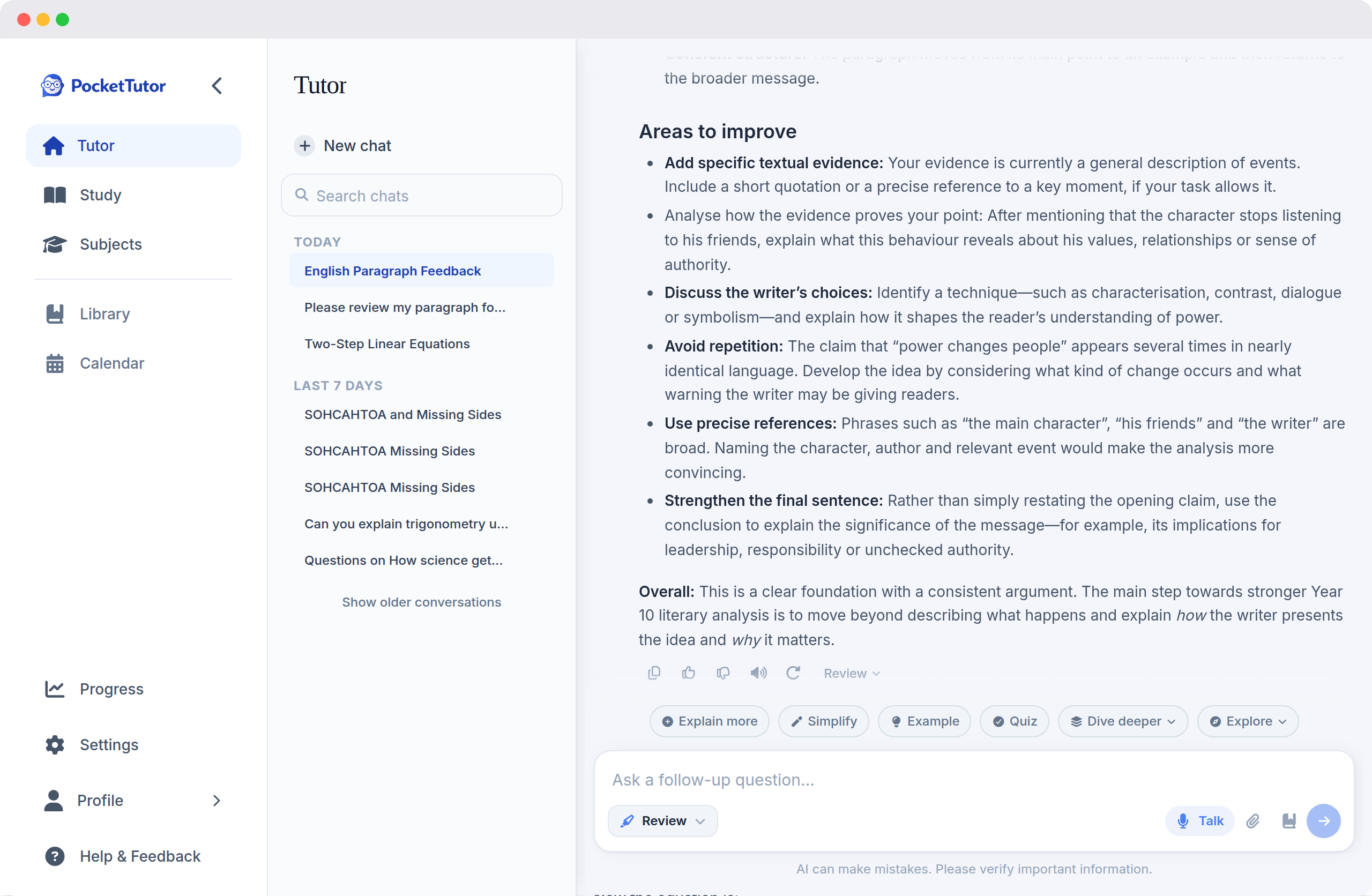
Work through a questionSee how you can practise a question, work through a method and improve a written response in PocketTutor.
Practice · Maths
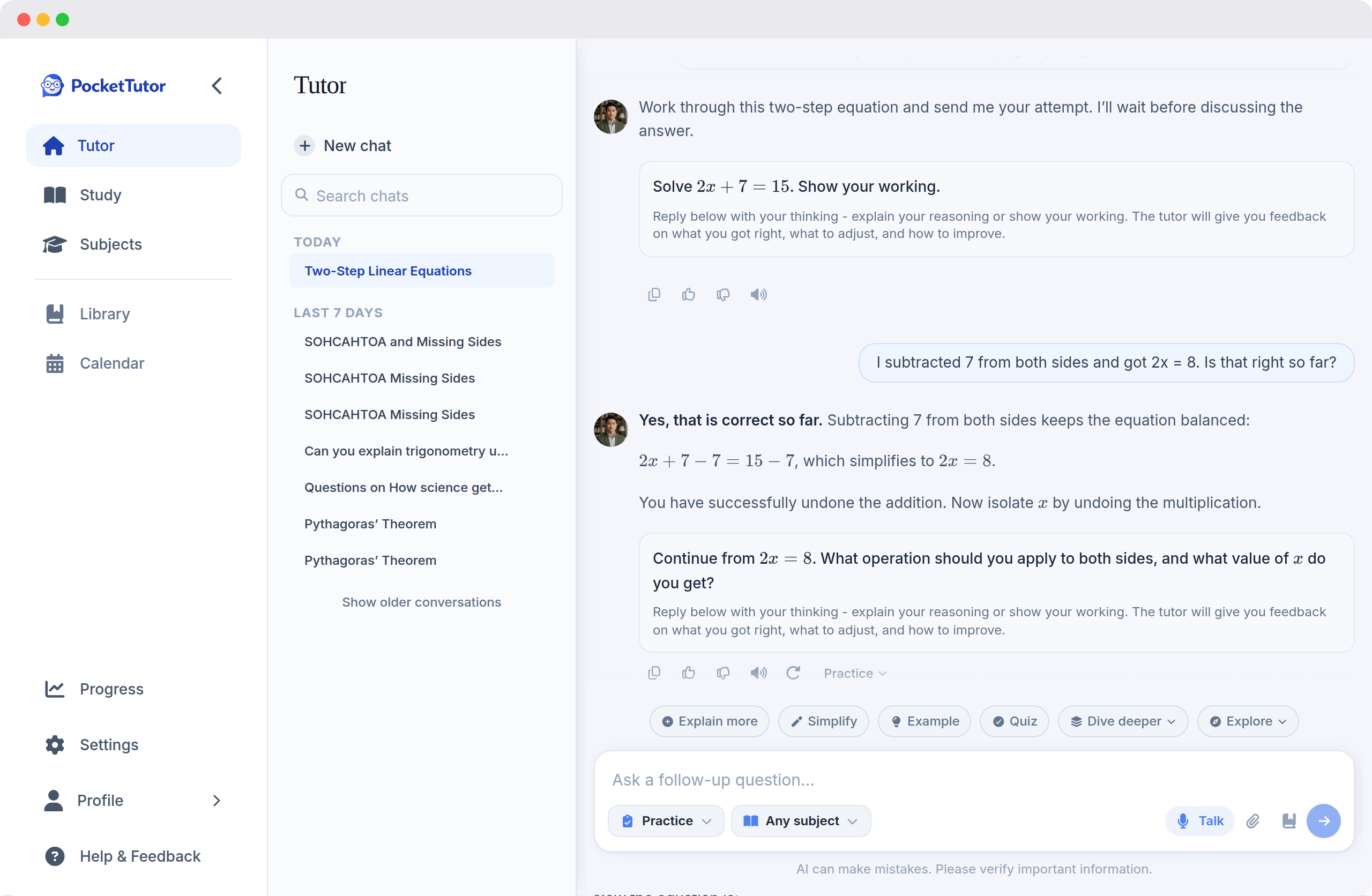
1 of 3 · Practice
Use the topics your teacher has set for the exam to keep your session focused. Try answering first, then decide what needs another look.
Students in Year 7 or above who are at least 13 can try one activity before signing up. Choose a tool on Home, then enter your year and state. Students in Foundation to Year 6, and students under 13, need a parent or carer to help them get started.
Yes. Create a free account, then choose Quiz on Home and upload your notes. You can also try a quiz on a topic before signing up. Topic flashcards start from a topic you enter.
Choose your year and state in the app to use the relevant school subjects and senior state syllabuses. PocketTutor supports Australian students from Foundation to Year 12. Check your teacher's exam outline for what your assessment covers.
Use the explanations and quiz feedback to work on your understanding. PocketTutor uses AI and can make mistakes, so check important details against your notes and class materials. Feedback is for practice; it is not an official mark or a prediction of your result.
Upload your notes for a quiz, save your topic flashcards and come back for more practice. The Basic plan gives you a daily allowance for one student.
Daily limits reset, so you can return the next day.
Sign up freeNo credit card required.
Open PocketTutor and choose the tool that fits what you want to practise.
Try it nowFree plan. No credit card required.
Prefer to create an account? Sign up free
Supporting your child? See how PocketTutor helps families.